

 Official IDEMIA Partner in Egypt
SigmaTouch Pro™
Touchscreen Fingerprint Terminal with Multi-Factor Authentication and Time & Attendance
An advanced IDEMIA terminal with a 3.5″ touchscreen, fingerprint, cards, PIN and mobile. Official IDEMIA partner in Egypt: STC Security.
Product datasheetFull technical specs PDF Request a quote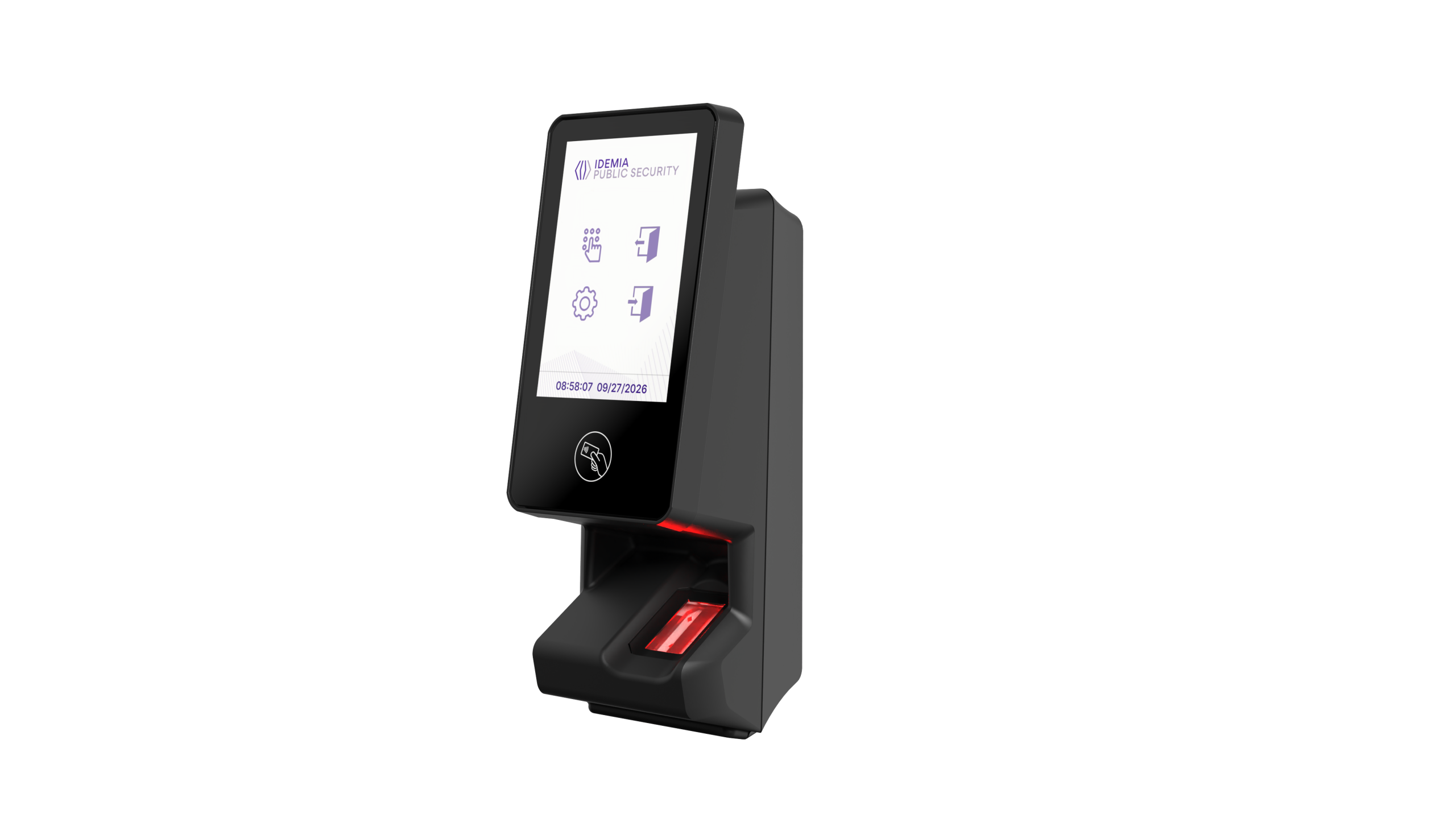
About SigmaTouch Pro IDEMIA Biometric Access Control
The SigmaTouch Pro IDEMIA biometric terminal is an advanced access control terminal with a 3.5-inch color touchscreen, fingerprint recognition and contactless card reading.
It supports card, fingerprint, PIN, mobile credentials (under HID licence) and multi-factor modes, so you can match the security level to each door.
With up to 50,000 biometric users as standard and 100,000 extended, it fits large-scale deployments, while built-in time and attendance functions add real-time employee notifications and Job Code management.
STC Security provides supply, integration, installation and support for SigmaTouch Pro in Egypt.
Key Features of SigmaTouch Pro
SigmaTouch Pro Screens and Access Feedback
First, review the screens below, because they show every access result that users will see.
The home screen on the SigmaTouch Pro 3.5-inch touchscreen
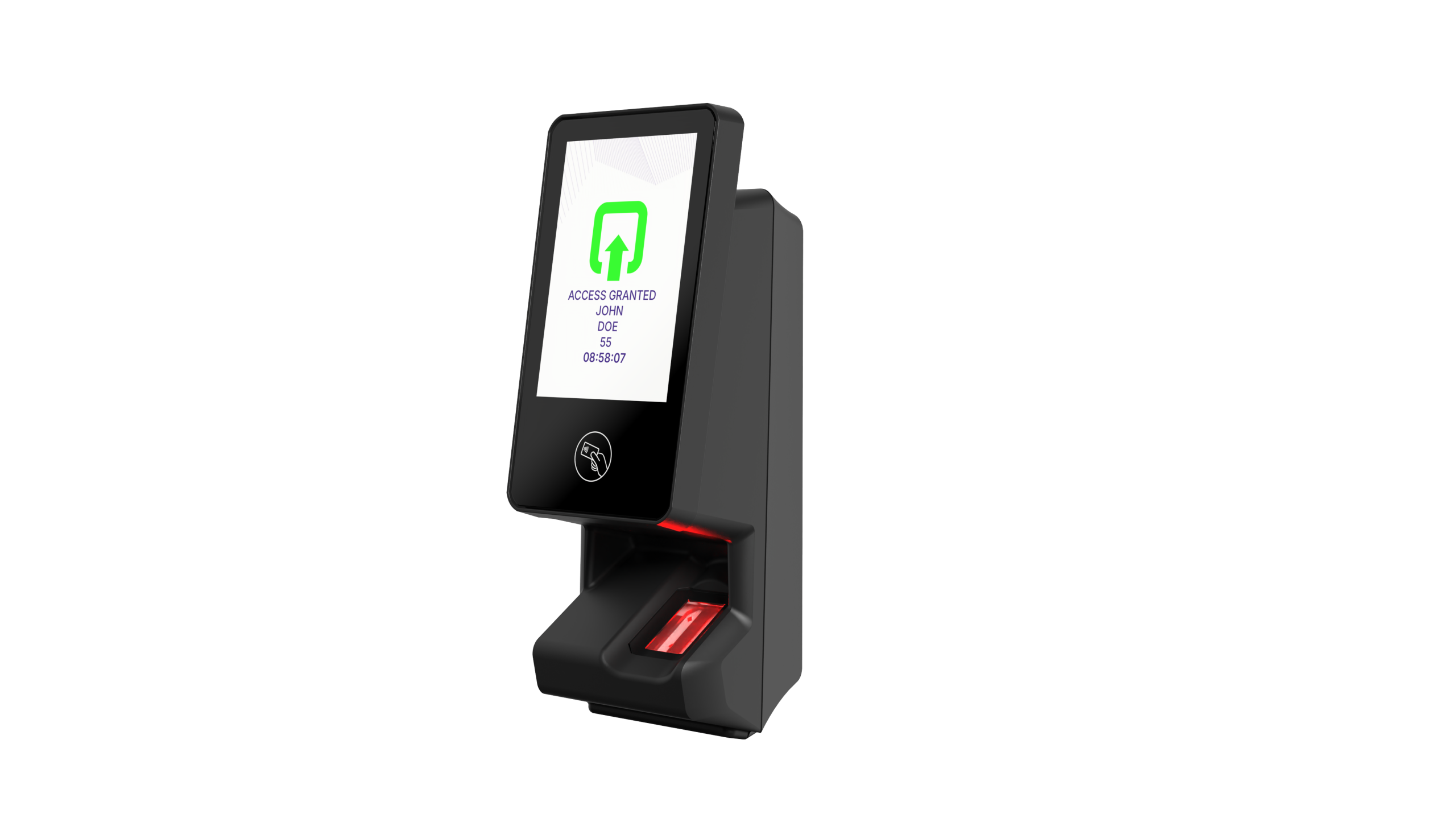
Access Granted screen with user name and time on SigmaTouch Pro
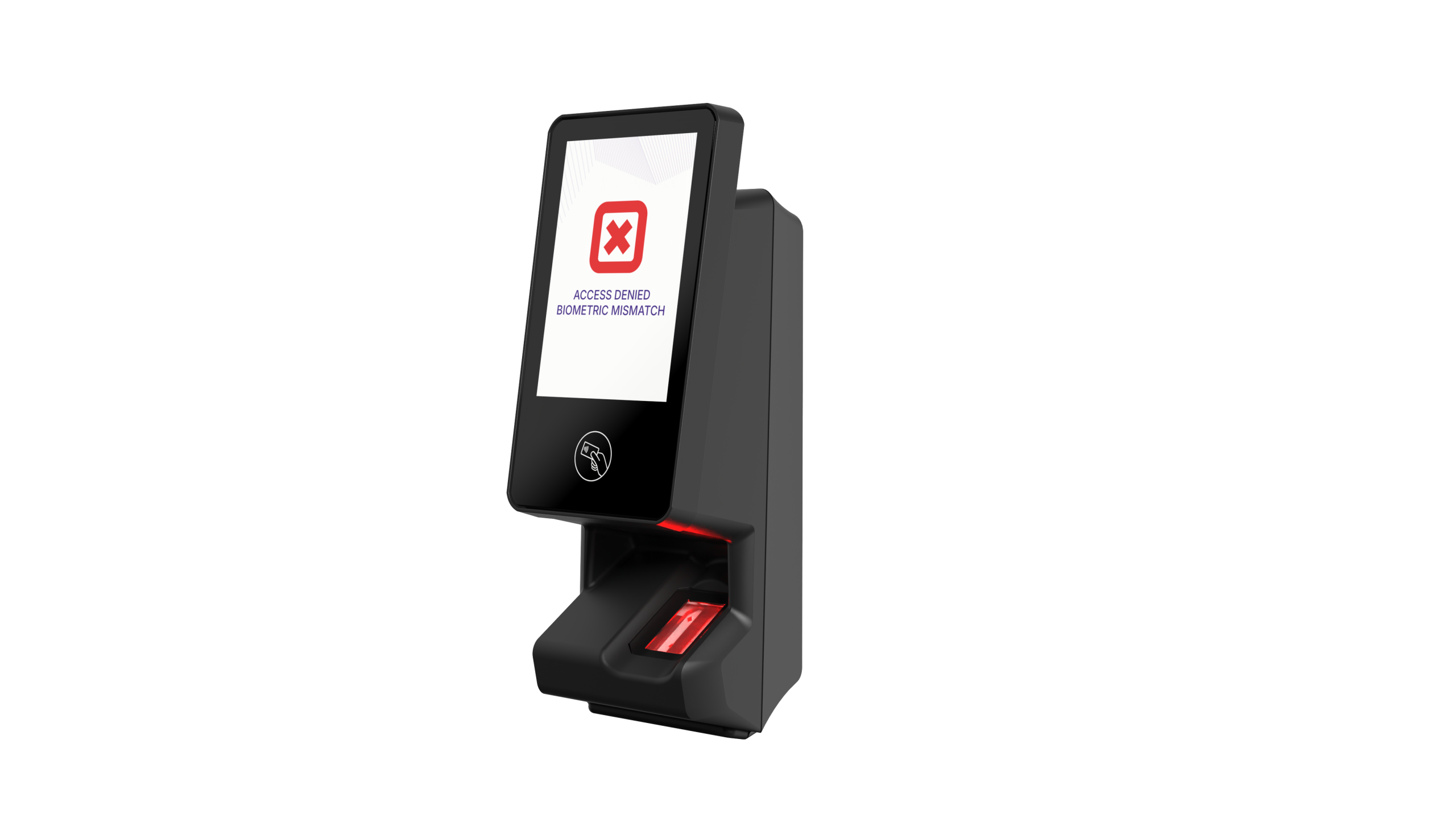
Access Denied screen after a biometric mismatch on SigmaTouch Pro
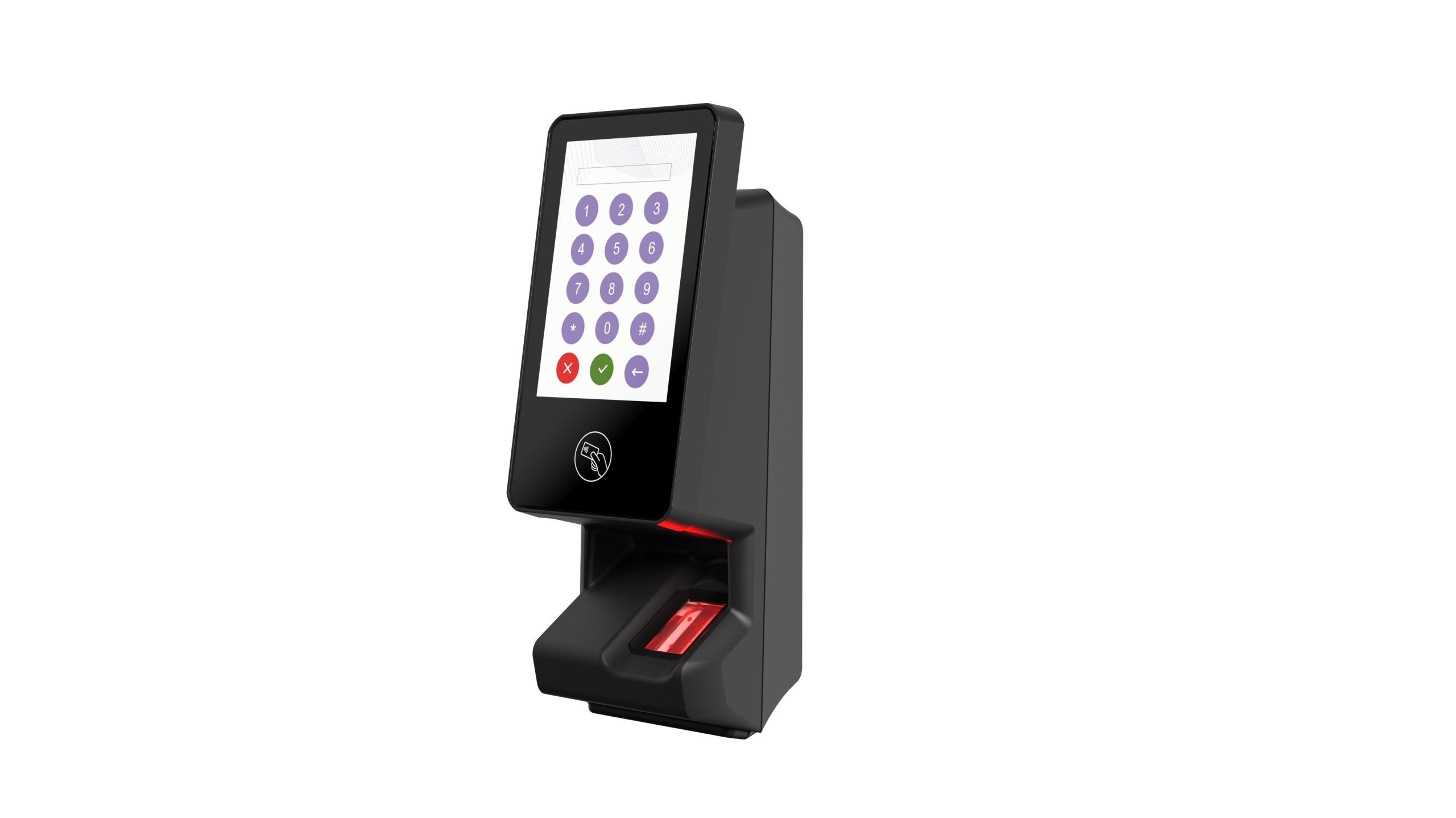
On-screen PIN keypad of the SigmaTouch Pro
Why Organizations Use SigmaTouch Pro
The touchscreen guides users step by step, because it shows names, times and clear access messages.
In addition, mobile credentials and PIN entry let organizations mix several factors on a single terminal.
Moreover, time and attendance functions remove the need for a separate clock-in device.
Finally, integration is simple thanks to Wiegand, OSDP, SSCP, RS485 and PoE.
Technical Specifications
However, always check the datasheet for the latest values, because specifications may change without notice.
| Feature | Details |
|---|---|
| Commercial name | SigmaTouch Pro |
| Ordering part number | 293816153 (293818730 with HID licence preloaded) |
| Processor | Multi-core 1.8 GHz with NPU |
| Display | 3.5″ IPS touchscreen · 320×480 · 800 cd/m² |
| Contactless cards | MIFARE, DESFire (EV1, EV2, EV3), Felica IDm, LEAF Id, HID iCLASS SE / SEOS (under licence) |
| Mobile access | HID Mobile Access via NFC or BLE (under licence) · Apple Wallet certification pending |
| PIN control | Yes |
| Time & attendance | Up to 8 programmable function keys · real-time employee notifications · Job Code management |
| Audio | Loudspeaker |
| Biometric capacity | 50,000 users, extendable to 100,000 (3 templates each, including 1 duress) |
| Memory | 16 GB Flash / 2 GB RAM |
| Dimensions (H×W×D) | 174 × 68 × 60 mm (6.85 × 2.68 × 2.36 in) |
| Weight | 475 g total (device 350 g, cabling 85 g, wall mount 30 g) |
| Mechanical impact protection | IK07 |
| Administration | Admin screen menu · MBTA · MorphoManager · Third-party (Thrift/MACI SDK) |
| Regulatory number | MPH-AC012A |
| Operating system | Linux based |
| Fingerprint sensor | CBM optical sensor, 14×22 mm · 500 dpi · 256 gray levels · FBI PIV IQS image quality |
| Templates | IDEMIA PKcomp v2, PKLite, PK Mat · ANSI 378 · ISO 19794-2 (up to 3 per user, including 1 duress) |
| Fake finger detection | Multispectral and statistical image comparison |
| Access control modes | Identification · card authentication with or without fingerprint check · multi-factor · Distant (fully driven by a remote system) |
| Power saving | Yes — the contactless sensor triggers wake-up |
| Security | Secure by design and default · Secure Boot and signed firmware · CRA-ready |
| Data protection | AES-256 database encryption · GDPR-ready |
| Duress finger / Anti-passback | Included / Included (configurable time window) |
| Tamper protection | Magnetic switch |
| Authorized user list / log | 1 million users / 1 million transactions |
| Ethernet | 10/100 Base-T · TCP, SSL, TLS 1.2–1.3 · 802.1X (optional) |
| Serial / protocols | Wiegand In and Out (up to 512 bits) · OSDP V1/V2 (AES-128 Secure Channel, RS485) · SSCP (RS485) |
| GPIO / relay | 2 GPI, 2 GPO · 1 NO/NC relay for single-door control (exit button / door status) |
| Power supply | 12–24 VDC (1 A min @12 V) or PoE via RJ45 |
| Operating conditions | -20°C to +60°C · humidity 10%–95% non-condensing |
| Storage conditions | -25°C to +70°C |
| Ingress protection | IP65 (by design) |
| Certifications | CE · CB · FCC · UL294 (indoor use only) |
| Environmental compliance | RoHS · REACh · WEEE · California Proposition 65 |
| Country of origin | France |
SigmaTouch Pro Installation
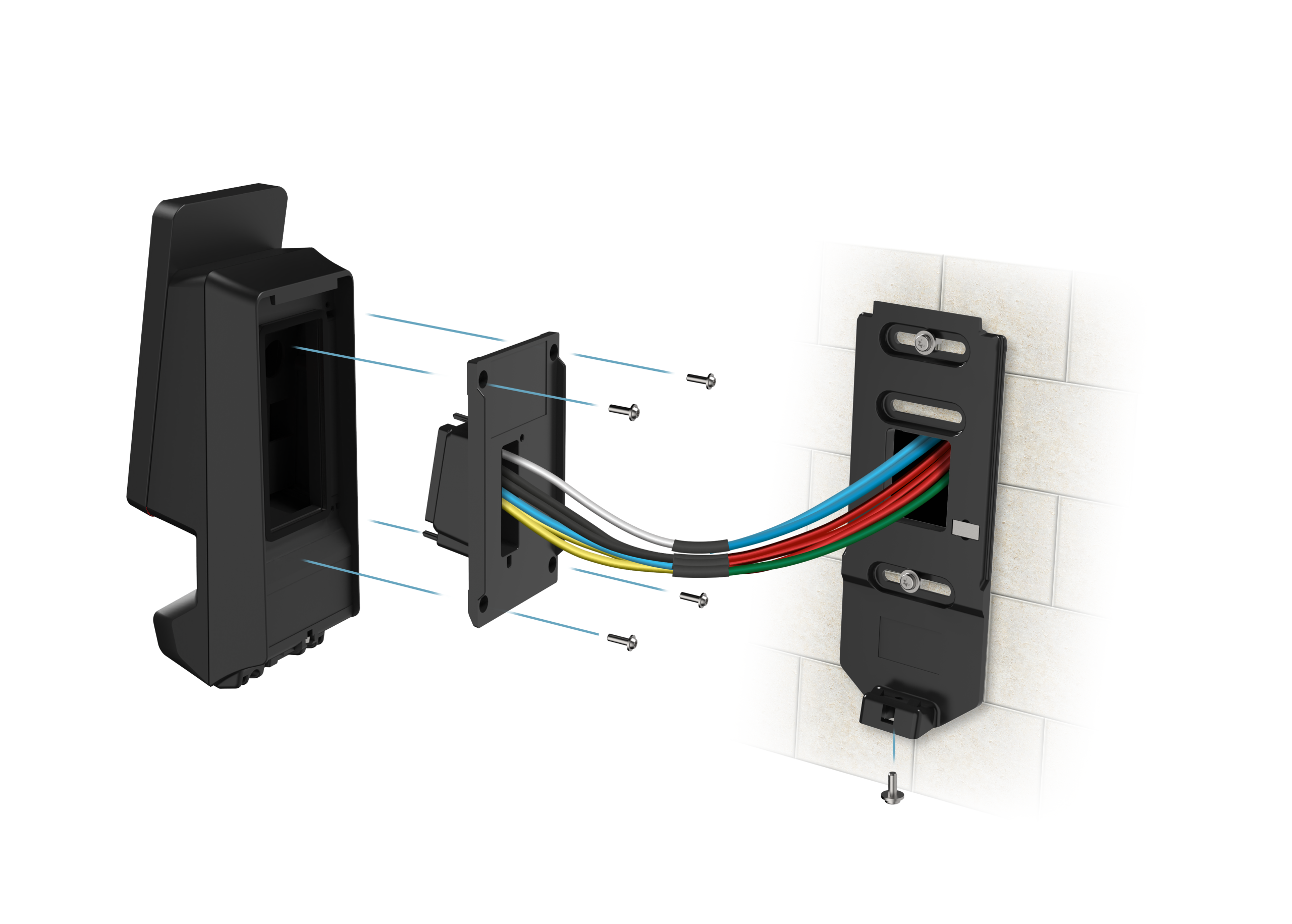
As the official exploded view shows, installation is simple: first fix the back plate to the wall, then pass the cables through it, and finally attach the terminal and secure it with the bottom screw.
Download the SigmaTouch Pro datasheet
Therefore, you get the full technical specifications for SigmaTouch Go and SigmaTouch Pro in one PDF.
Product datasheetFull technical specs PDFBoth terminals share the same fingerprint sensor and security architecture. However, they differ in display, capacity and extra features. See the SigmaTouch Go page.
Deployment and Support in Egypt
STC Security supplies the terminal, and we also handle site surveys, installation and commissioning.
In addition, our engineers integrate it with your controllers, because Wiegand, OSDP and RS485 cover most systems.
Moreover, we train your team on MorphoManager, so daily administration stays simple.
Finally, our technical support team assists you after handover, therefore your system keeps running smoothly.
As a result, you deal with one partner from design to support.
SigmaTouch Pro FAQ
What is SigmaTouch Pro?
SigmaTouch Pro is IDEMIA’s advanced biometric terminal with a 3.5-inch touchscreen, fingerprint recognition, contactless cards, PIN and multi-factor authentication.
How many users does SigmaTouch Pro support?
It supports 50,000 biometric users as standard, extendable to 100,000, with up to 3 templates per user including one duress finger.
Does SigmaTouch Pro support mobile access?
Yes. It supports HID Mobile Access over NFC or BLE under licence. However, Apple Wallet support is still pending certification.
Does it include time and attendance?
Yes. It offers up to 8 programmable function keys, real-time employee notifications and Job Code management.
Where can I buy SigmaTouch Pro in Egypt?
Contact STC Security, the official IDEMIA partner in Egypt, for pricing, availability, installation and support.
Get SigmaTouch Pro in Egypt
STC Security is the official IDEMIA partner in Egypt, so you get supply, integration, installation, training and support from one team.
Request a quoteBrowse IDEMIA devices